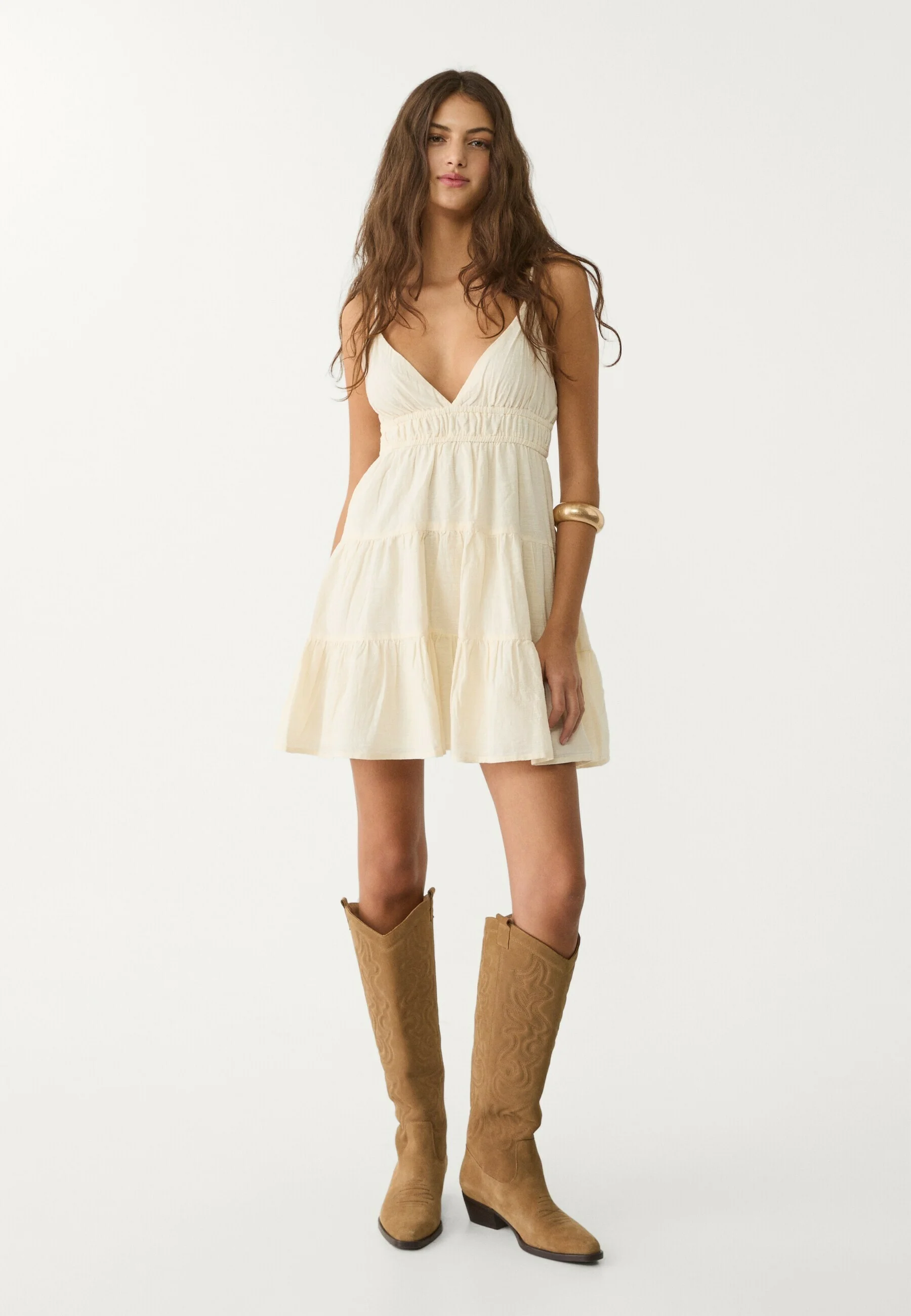
Strappy slip dress
Dress
For online fashion stores and brands
Dressie adds three AI tools to your product pages. Shoppers see the item on themselves, get a complete look from your catalog and pick the right size before they check out. Live in 3 days, no changes to your website code.
Right on this page, no sign-up.
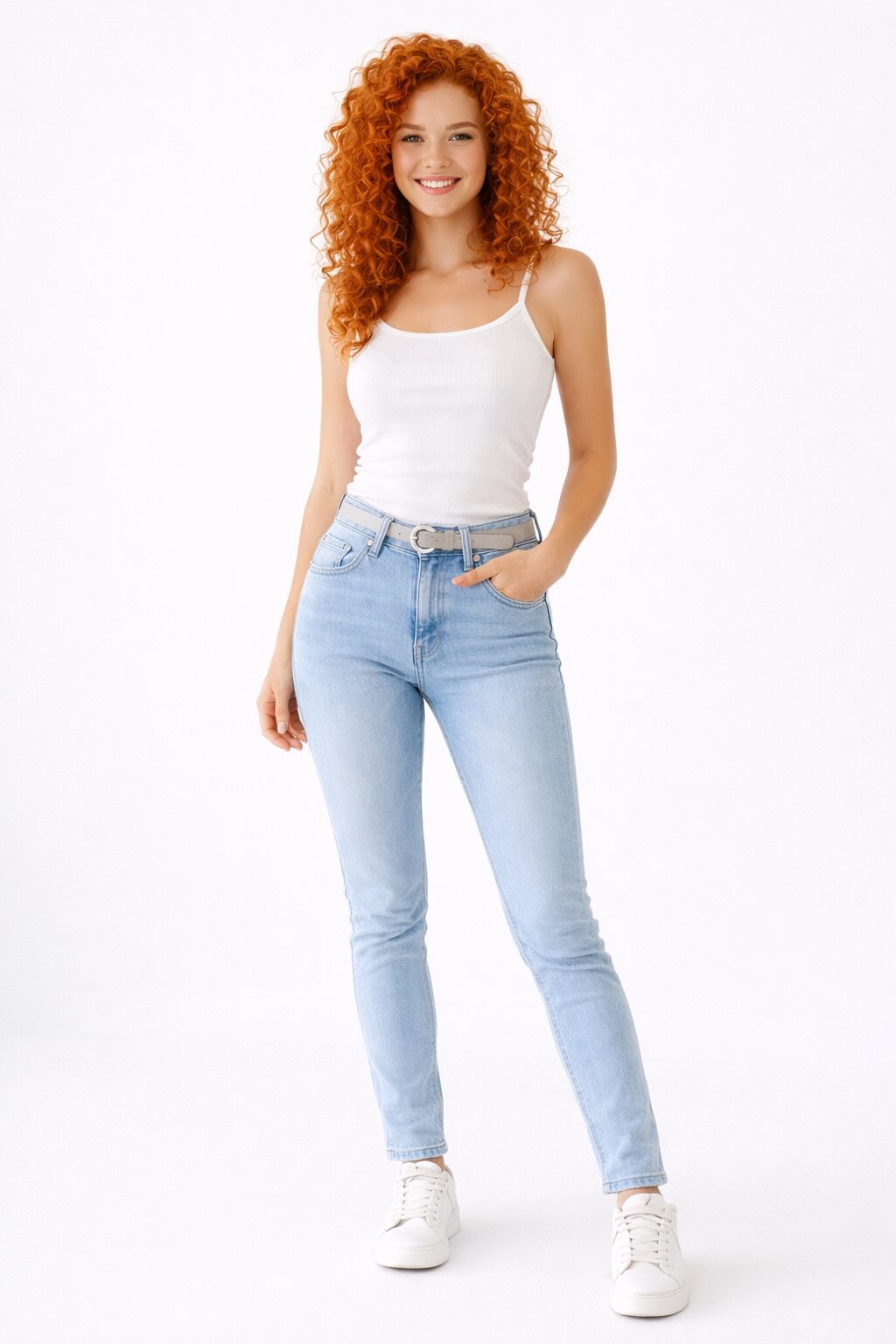
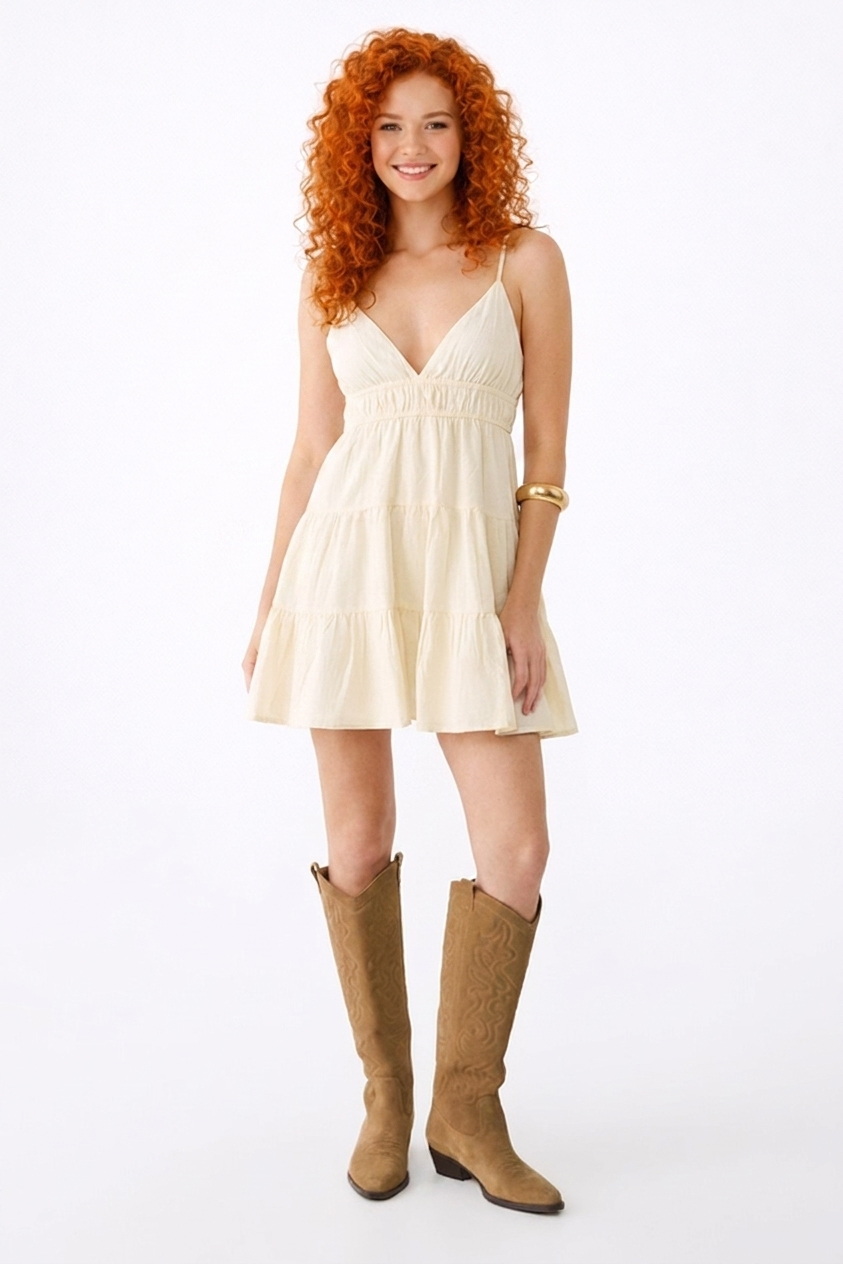
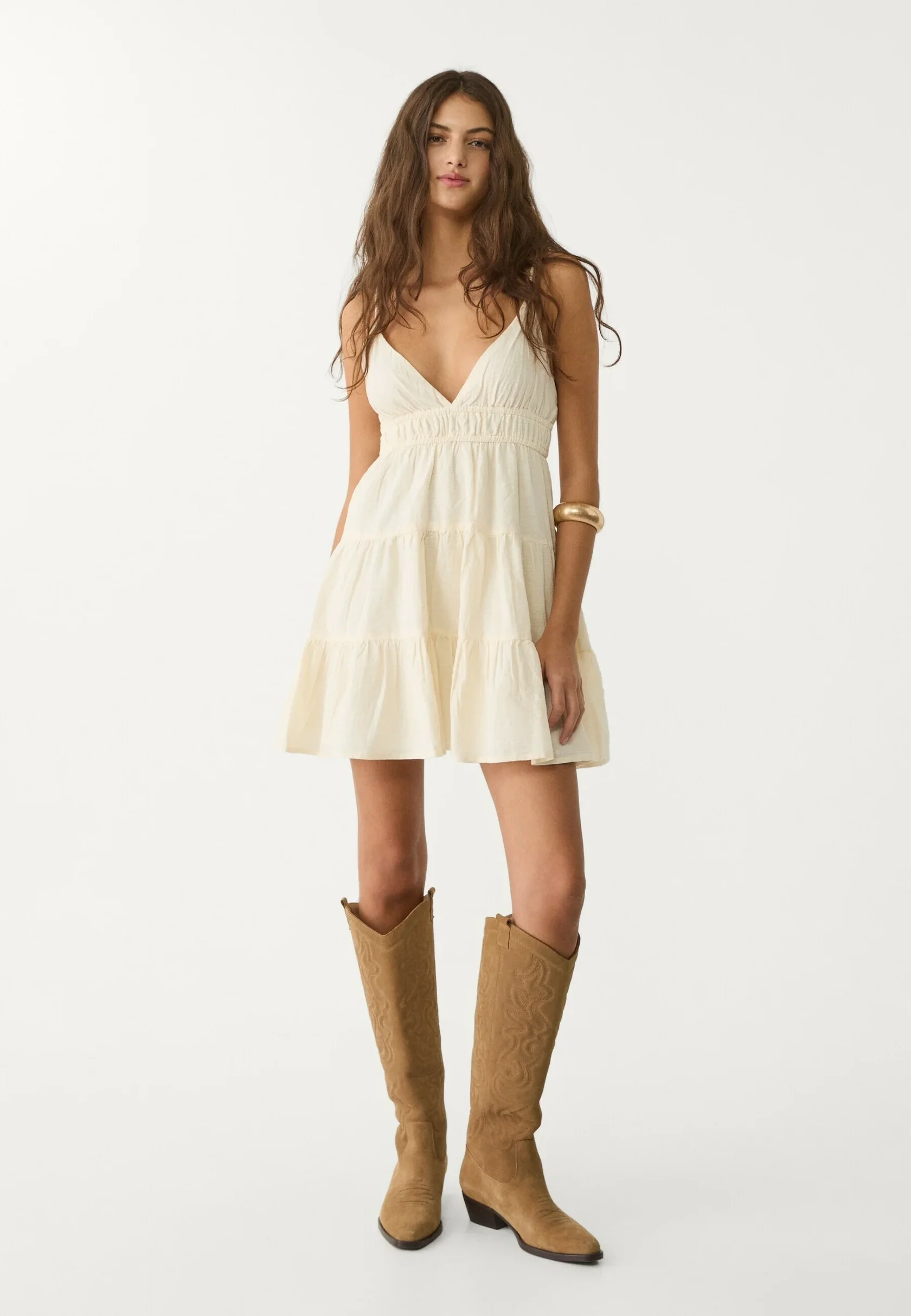 Strappy slip dress from the product page
 Trusted by




What you get
Each tool works on its own, and together they cover the whole path from the product page to a kept order.
A shopper who has seen the item on themselves stops putting it off "for later" and is more likely to get to checkout.
Range depends on category, traffic and store UX How try-on works → 2AI stylist Cross-sales +22%Shoppers who try on several items add more to the cart. The stylist turns this into a habit: it offers a complete capsule from your catalog, not a single item.
Try-on data, stores with 200+ SKU See the stylist → 3Size advisor Logistics costs −20%Try-on shows whether the style suits the shopper. The size advisor adds the right size for every item, based on body measurements and your size charts.
Try-on data; size advisor works on top of it Try the size advisor →Source: Dressie internal analytics and A/B tests in client stores.
1 Virtual try-on · higher conversion
The whole journey happens on your product page. The shopper installs nothing, goes nowhere and doesn't sign up.
A round try-on button stays on screen. A few seconds in, it offers to try the item on by itself, so nobody has to look for it.
No photo at hand? The shopper can try the item on a suggested model, and the journey doesn't break.
The look is ready in less than a minute. The shopper stays on the product page and watches the progress.
Cut, fit and details are preserved, so there's no need to imagine how the item will look on them.
Every look is saved in the widget: shoppers can review, compare and even turn them into a video.
The item photo comes straight from your product page, no extra photo shoot needed. The shopper uploads a photo once and then tries on anything in your catalog.
Live demo · no sign-up
This is a sample store with Dressie installed. Tap "Try on" on any item and use your own photo, or a model if you don't have one at hand.
Strappy slip dress
Dress
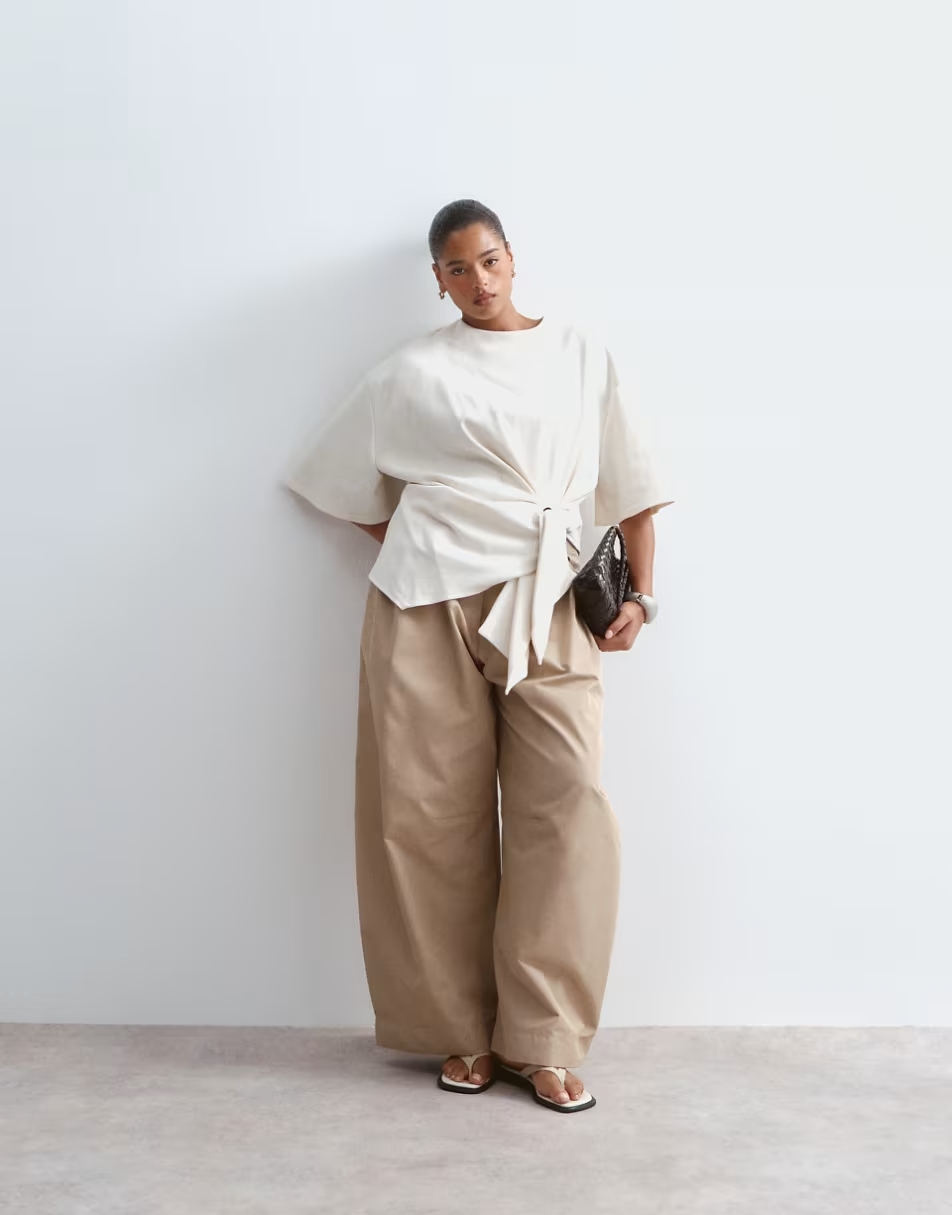
Belted T-shirt
Top
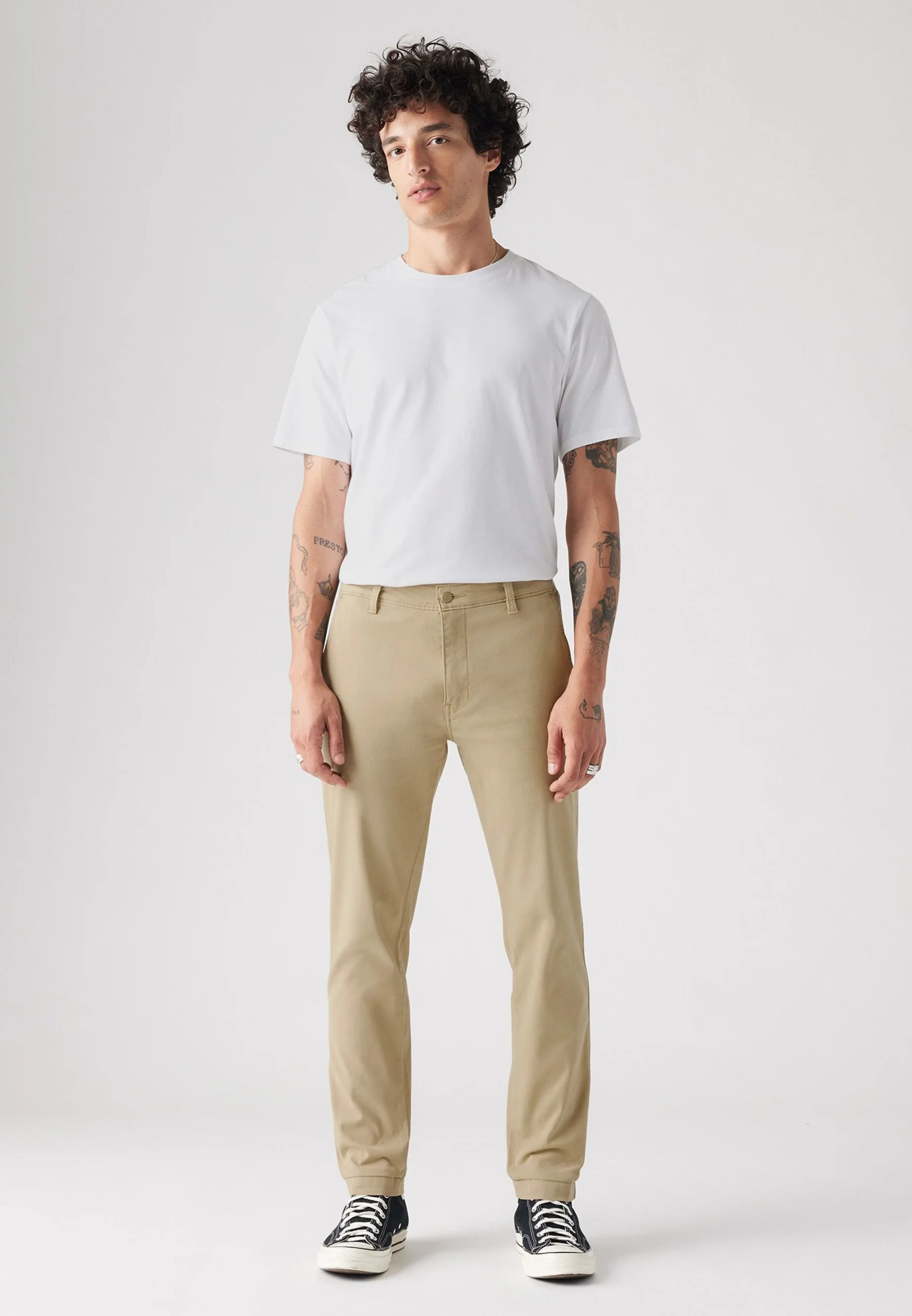
Men's chinos, beige
Bottom
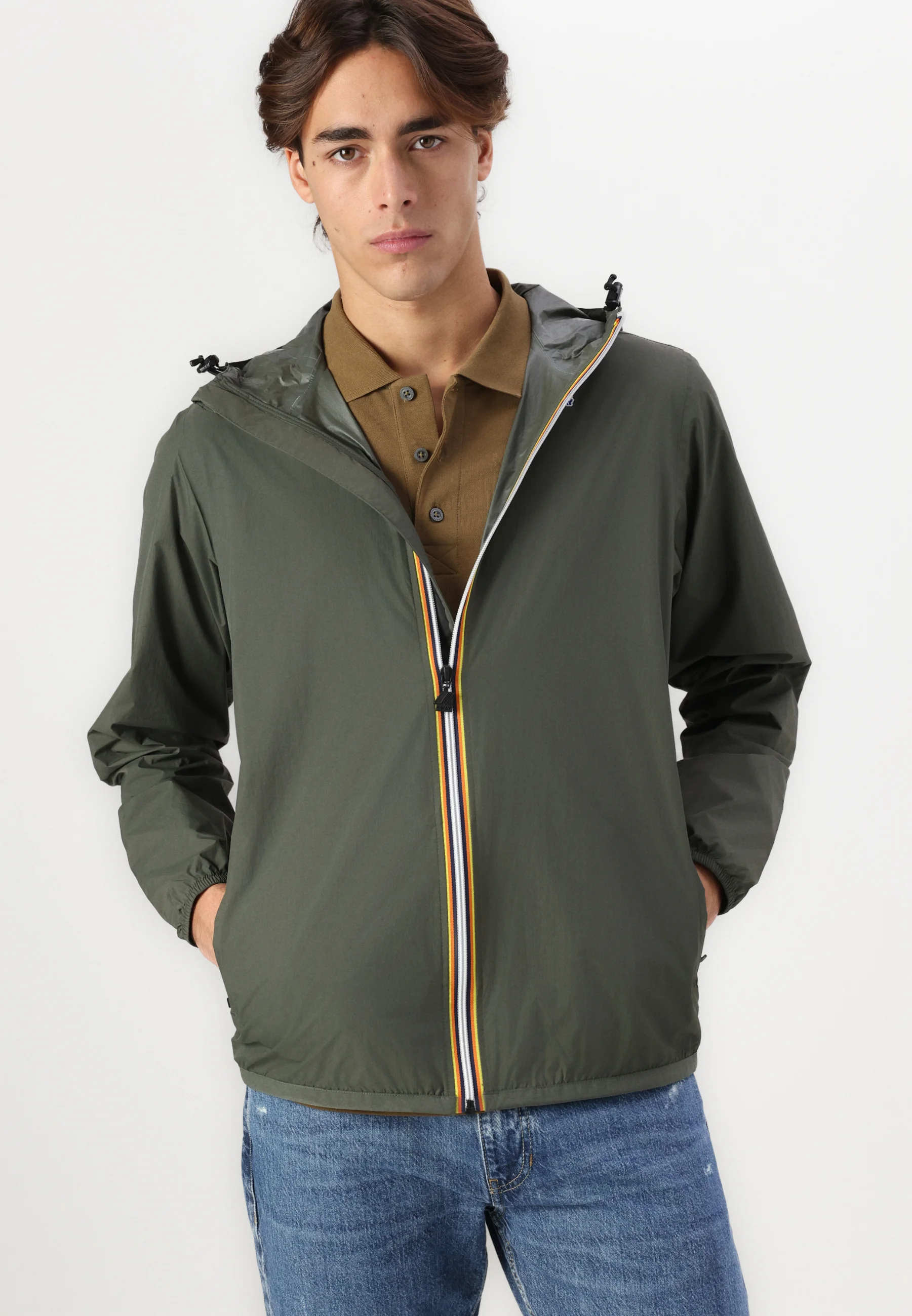
Hooded windbreaker, khaki
Top
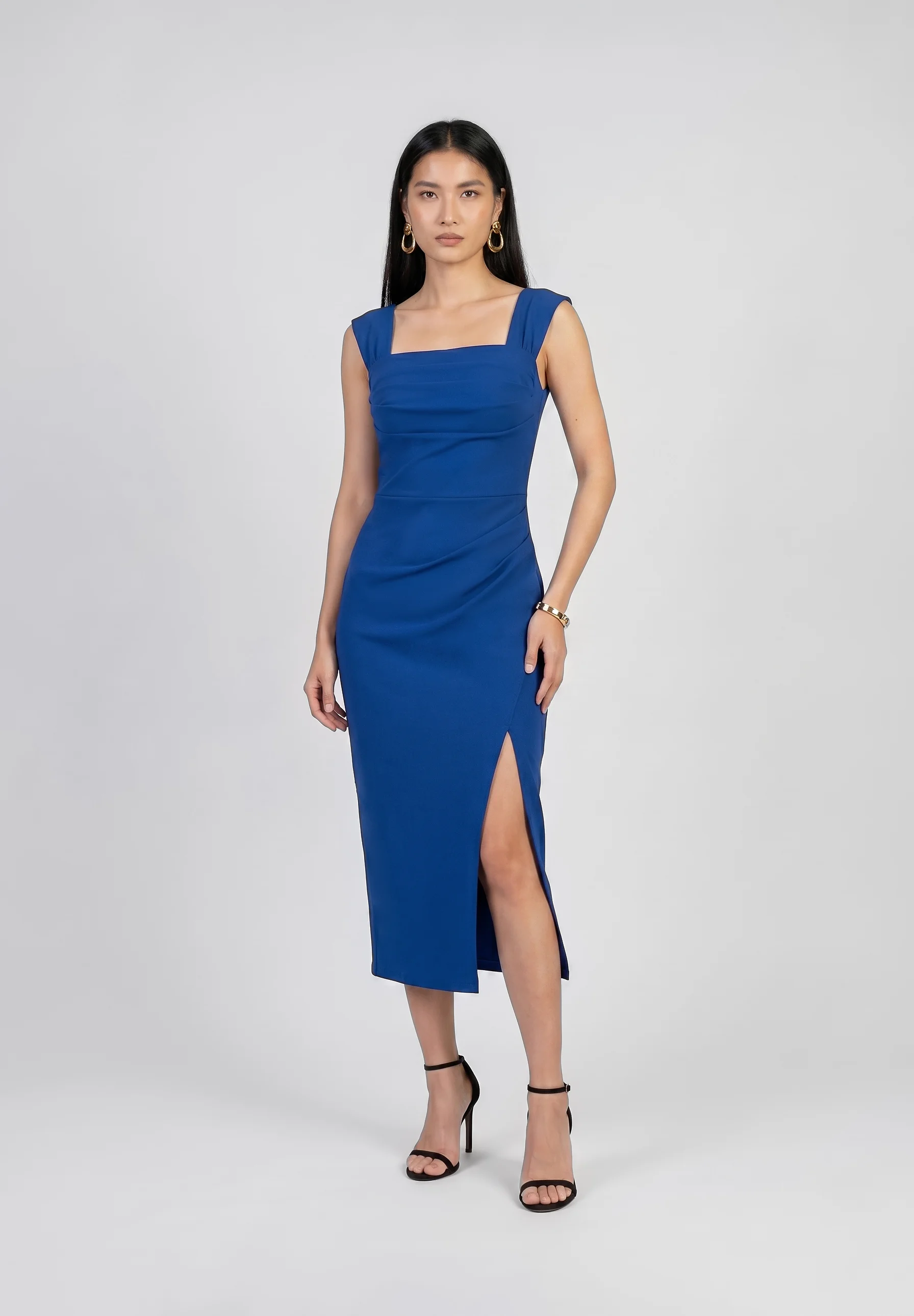
Maxi dress, royal blue
Dress
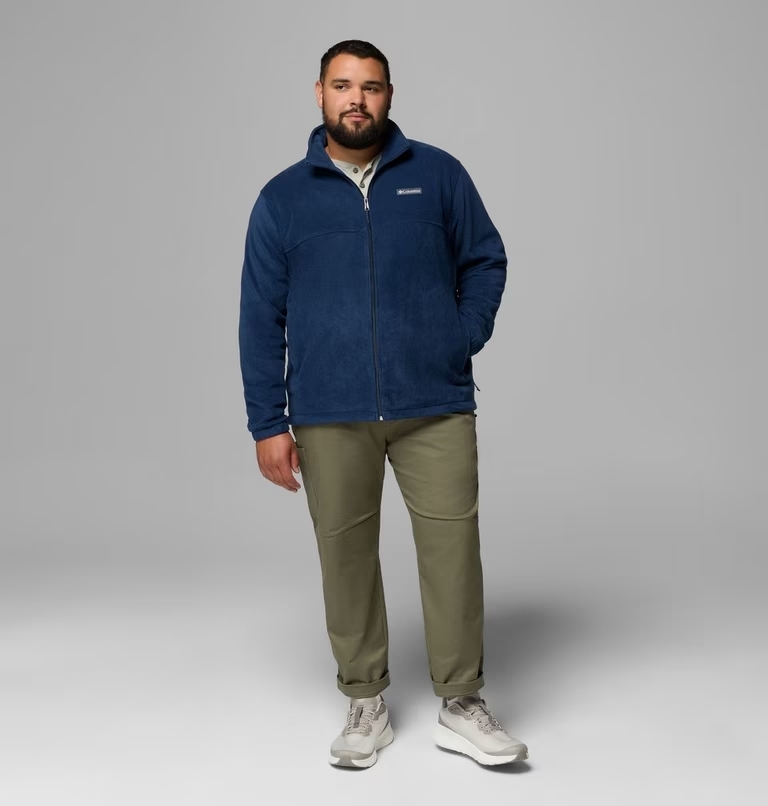
Fleece jacket
Top
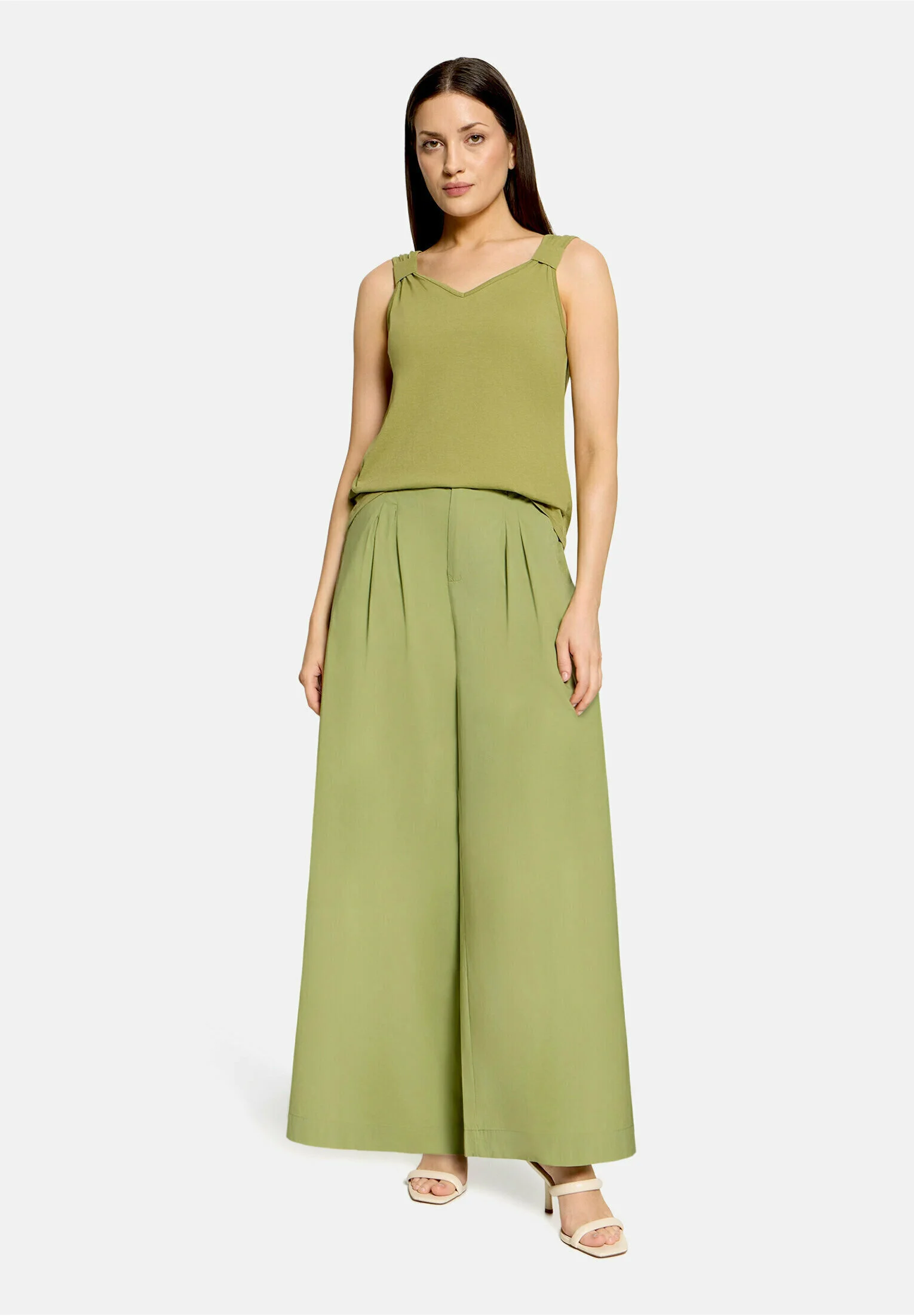
Wide-leg trousers, olive
Bottom
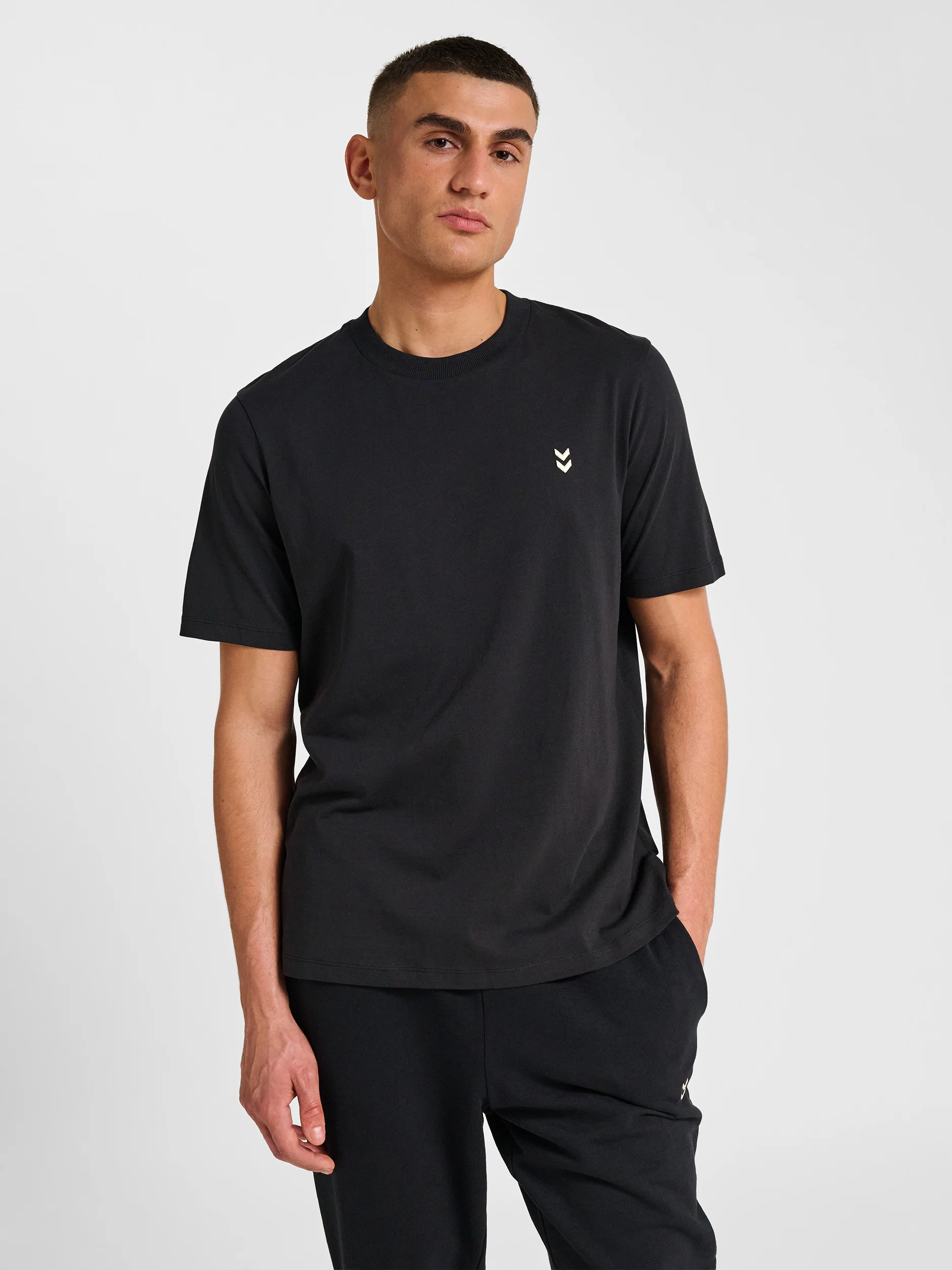
Basic tee, black
Top

High-waisted wide-leg jeans
Bottom
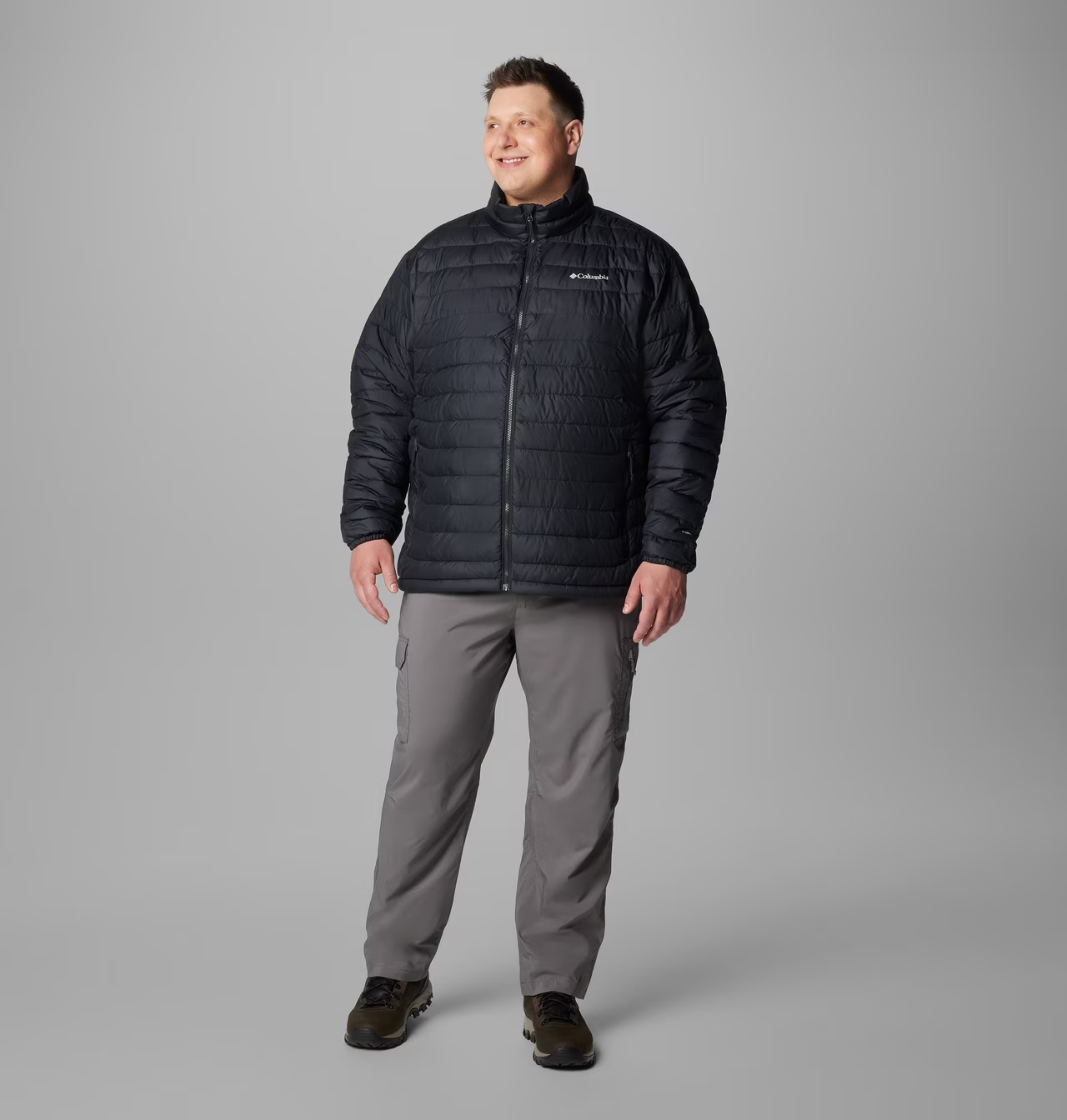
Padded jacket
Top
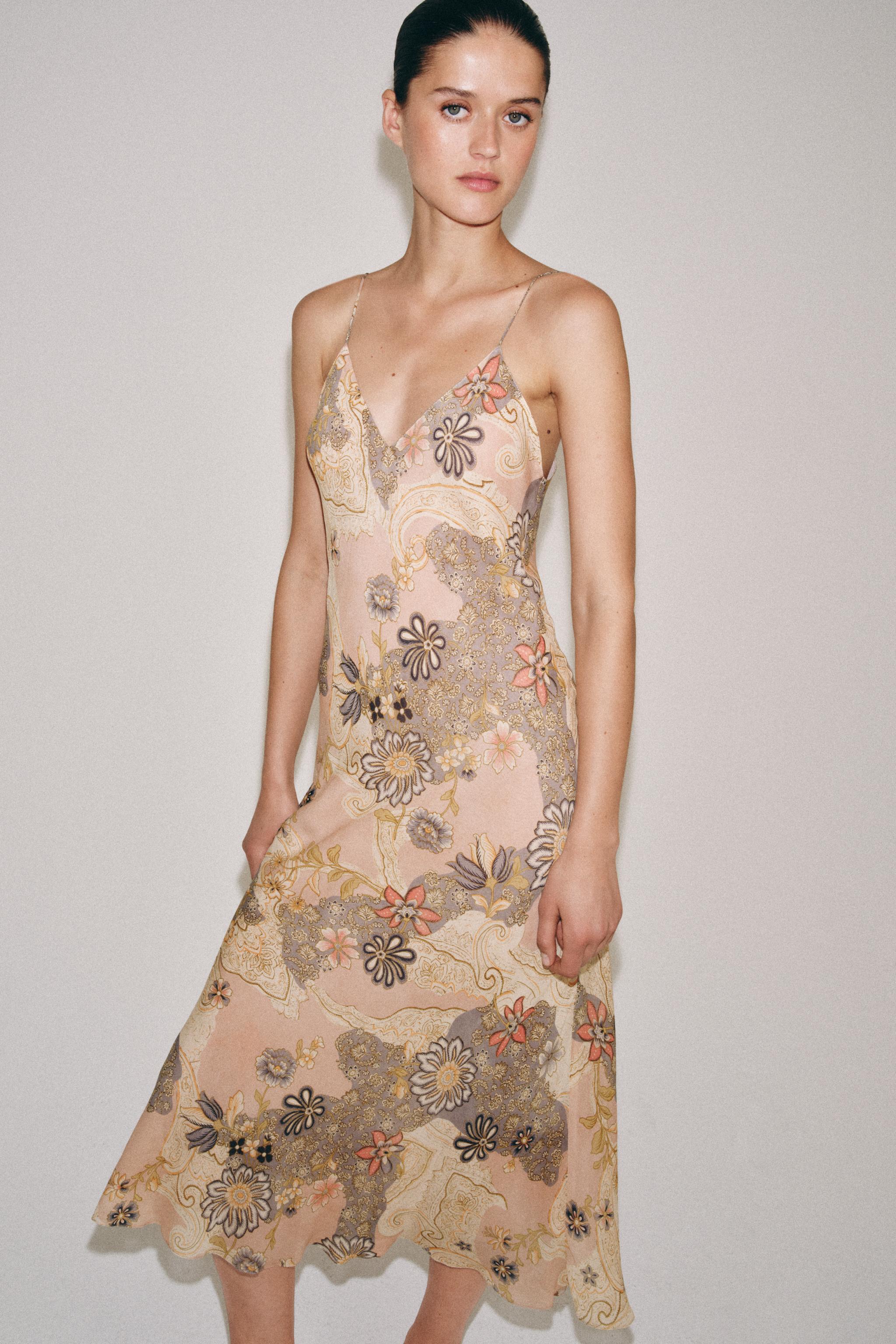
Floral slip dress
Dress
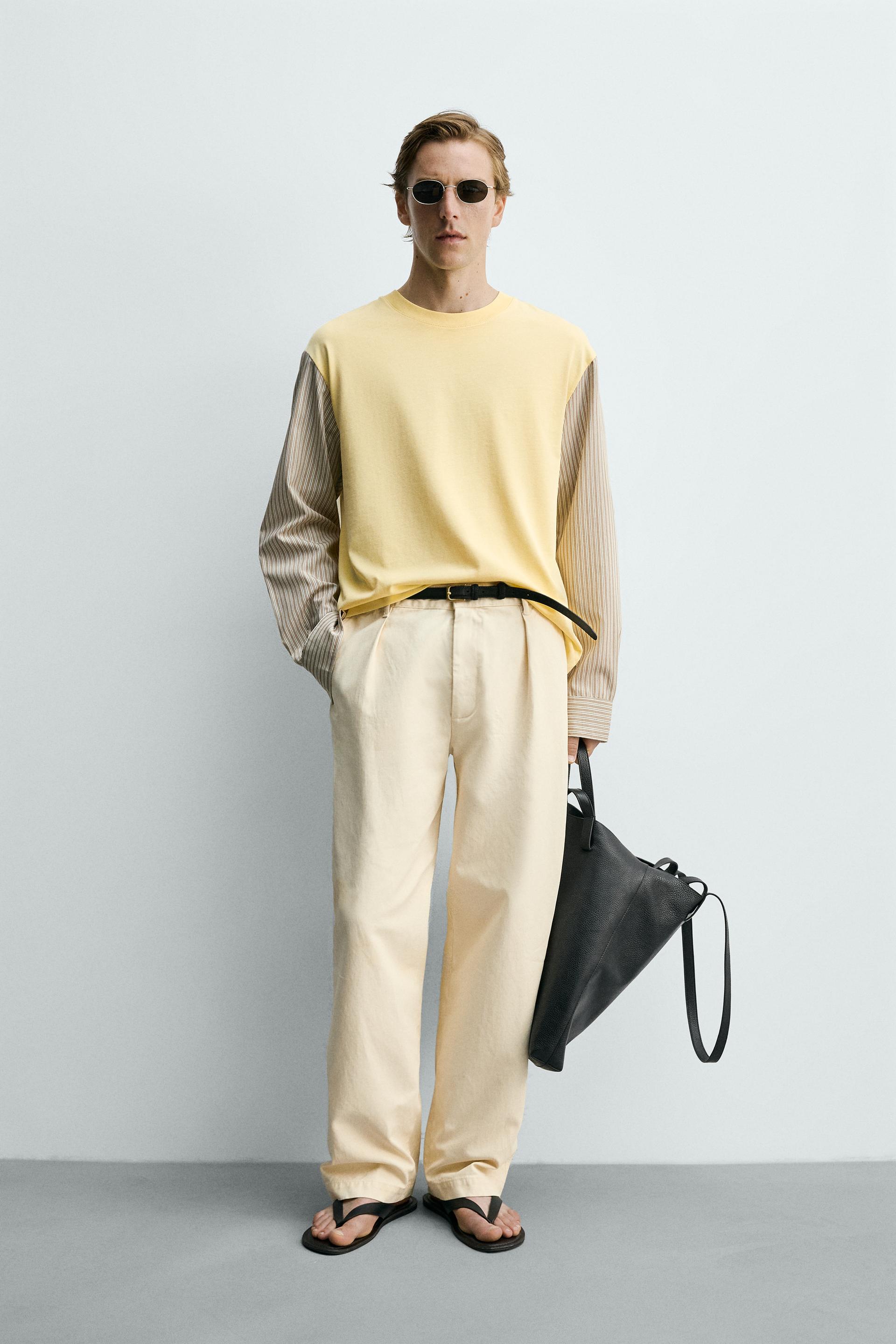
Contrast-sleeve T-shirt
Top
This is how try-on works on a product page. In your store the button matches your brand and the items come from your catalog.
Book a demoThe try-on button
A regular button on a product page gets scrolled past along with the description. That's why Dressie launches try-on with the orb: a round button that always stays on screen and offers to try the item on by itself.
It sits in the corner of the screen and never covers products. A moment later a card with the item and a try-on button pops up above it, so shoppers get it right away: this item can be tried on their own photo.
Tap the orb or the button in the card to open a real try-on on an item from the demo store.
Seven times more product page visitors start a try-on when the button reminds them it's there.
More shoppers try items on, so more of them make it to the cart.
Shoppers stay in the catalog longer: they try on several items and compare looks.
We tracked what happens to a product page visitor step by step. The bottleneck is right at the start: only a small share of visitors ever reach the try-on button. That's exactly the step the orb fixes.
| Step | Of previous step | Of all visitors |
|---|---|---|
| Opened a product page | - | 100% |
| Opened the try-on widget | 1.5% | 1.46% |
| Started a try-on | 15.9% | 0.23% |
| Got a finished look | 94.4% | 0.22% |
| Added the item to cart | 11.2% | 0.02% |
Dressie data: August 1 to September 30, 2026, across all connected stores. Look at the last two rows: 94.4% of shoppers who start a try-on get a finished look. The problem isn't try-on quality, it's whether shoppers find it at all.
Color, shape, call-to-action text and theme are set up during onboarding: a basic orb with a try-on card, a minimal orb with a one-line prompt, or a fully custom one in your brand style with a dark theme.
The orb runs on top of the widget you already have. No code changes on your site.
2 AI stylist · bigger average order
Shoppers come for a look, not for one piece. The AI stylist puts that look together from your catalog, shows it on the shopper and sends the whole set to the cart. Pick a request below to see how it works.
Demo based on two sample looks. In your store the stylist works with your catalog only.
Clothing, shoes and accessories for the occasion: two or three pieces that work together.
It never suggests items from other stores. Everything the stylist shows can be opened and bought.
The look appears on the shopper's own photo, not on a catalog model.
Suggests a size for every item in the look, together with the size advisor.
Large marketplaces already run their own AI stylists. Now the same is available for your store, trained on your catalog.
Add the AI stylist3 Size advisor · fewer returns New
The wrong size is one of the most common reasons fashion orders come back. The size advisor recommends a size for every item based on the shopper's measurements and your own size charts, right next to the try-on.
In your store the shopper enters this once, and the recommendation then appears on every try-on.
Demo with a sample size chart. In your store the advisor uses your size grid for each product.
Height, bust, waist and hips. Shoppers don't have to guess between two sizes or study the size chart.
The recommendation is matched to the size grid of each product and its cut, so a fitted dress and an oversized jacket get different advice.
The size shows up automatically next to the try-on result: the shopper sees both the style and the size in one place.
We set the size advisor up on your size charts as an add-on to the try-on widget. Tell us about your catalog and we'll show you a prototype on your own data.
Discuss size advisorDashboard
The dashboard shows behavior, not a bare try-on count: what shoppers try on, how they rate the result and which pages they start a try-on from.
Analytics screen, sample data.
Try-on quality
The shopper's main question is "is that really me, and really this item?" The answer decides whether they get to the cart.
Shoppers don't have time to lose interest and leave the product page.
Cut, length, fit and print are preserved: the try-on shows exactly the item on your product page.
Fewer reasons to doubt the result or dismiss it as "just an AI picture".
Typical items are processed on our own hardware. We fine-tune the models for the garment types and cuts found in our clients' catalogs.
Complex looks and unusual cuts go to external models, where they give a noticeably better result.
You choose the categories at onboarding: open the whole catalog or only part of it.
Integration
We adapt the widget to your brand and help you launch without a long development cycle.
For digital and product teamsSend click and try-on data to your analytics and understand the shopper journey better.
For marketing and analyticsConnect via API: documentation, a clear integration process and technical support.
For tech teamsTrack try-ons and analyze shopper behavior in one place.
For the store teamOne line of code in your product page template. You can add it yourself or with us: it takes about half an hour, and nothing else on the site needs to change. Ready-made modules for 1C-Bitrix and Tilda install with no code at all.
Beyond the product page
For drops, capsules and special projects, when you need shoppers to interact with the collection, not just browse it.
Try-on outside your website: for social traffic, influencer campaigns and newsletters, and for brands without an online store.
A separate project for your task: logo placement on merch, fabric on a finished garment, product photos for your catalog. Prototype first, then production.
Questions
Three business days for a typical store. We provide a script or a ready-made module for your platform, help you install it and set the widget up in your brand style. You don't need to rebuild your site.
For 1C-Bitrix and Tilda, no: ready-made modules install from the admin panel. Otherwise you need access to the product page template to paste the script. It's about half an hour of work, and we help you through it.
No. Try-on works with the photos already on your product pages. No extra photo shoot or catalog re-upload is needed.
Yes, mobile is the main scenario: the shopper takes a selfie or picks a photo from the gallery while browsing the product page.
It works only with your catalog. The shopper describes what they need: an occasion, a style, the weather or an item that needs a match. The stylist picks two or three pieces that go together, shows the look on the shopper's photo and sends the whole set to the cart.
The shopper enters height, bust, waist and hips once. The advisor compares them with the size chart and cut of each product and recommends a size for every item, right next to the try-on result. We set it up on your size charts as an add-on to the try-on widget.
On Dressie servers. Photos are used only to create the try-on, and the shopper gives consent before uploading a photo.
The shopper can run it again with another photo, for example a full-length shot in even light. Ratings are visible in your dashboard, so failed cases don't get lost: we review them and fine-tune the model for your catalog.
We'll show Dressie on your own products, set up try-on in your brand style and help you measure the effect on your traffic. We reply within one business day.